 By theo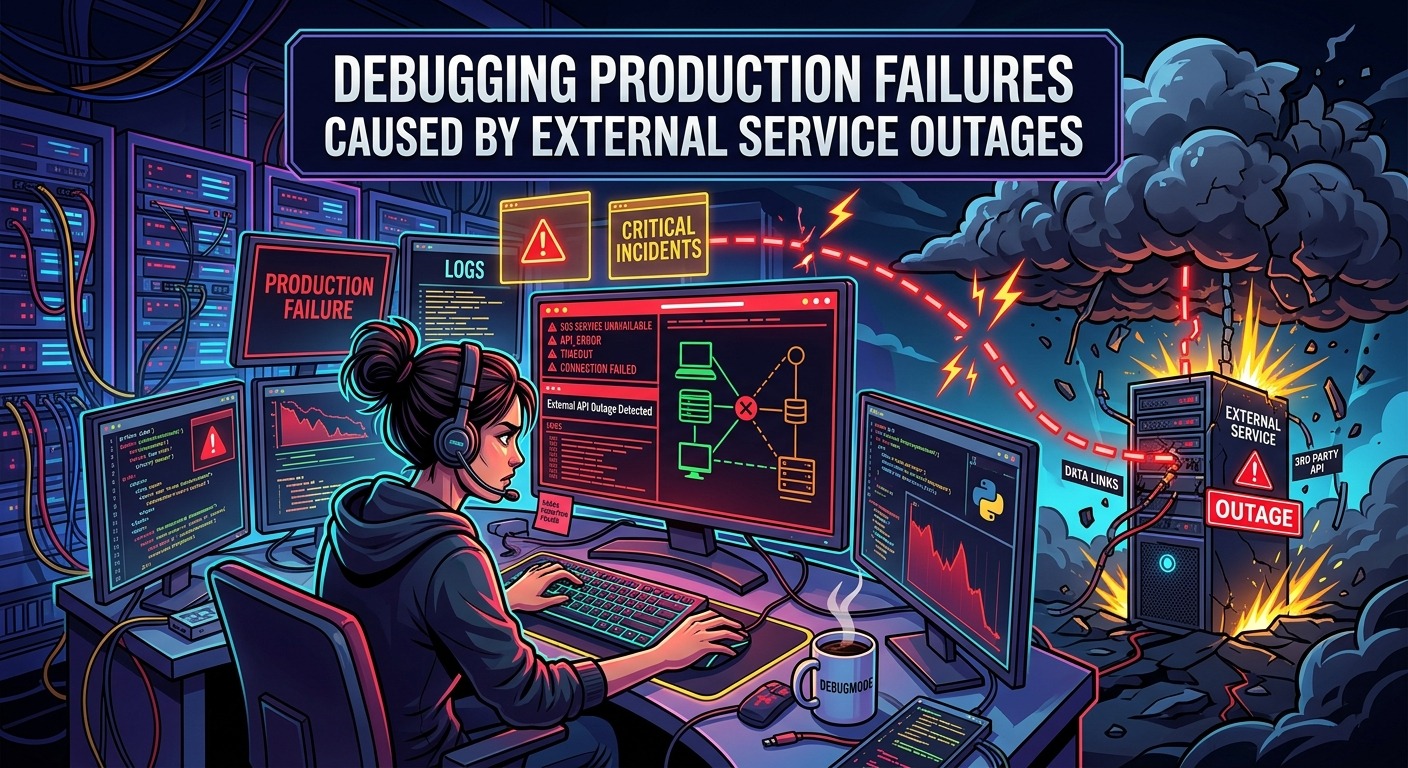
The pager fires at 3:14 AM. Your React app is throwing errors faster than your monitoring dashboard can render them. Error boundaries are catching everything in sight. Network requests are timing out. Your backend is returning 503s at a rate that would impress a broken vending machine. Your first instinct: what did I just ship? You scan your deploy history. Nothing obvious. You roll back anyway. The errors keep coming. Forty-five minutes later, you discover the third-party payment processor you depend on has been degraded since 2:47 AM.
That detour into your own code was never going to fix anything. And it happens to strong engineers constantly. The failure was not yours. But the diagnosis process was.
- Cross-reference your error spike against known outage records for every dependency you call, before touching your code editor.
- Use response code patterns to fingerprint whether failures originate in your stack or an upstream service.
- Correlate your error timeline against external events to confirm or definitively rule out a dependency failure.
When Every Symptom Points Inward
Production failures that originate upstream have a nasty habit of wearing your face. Your React error boundaries fire. Sentry fills with network errors. Your p99 latency graph goes vertical. Every visible symptom points at your code.
The core problem is attribution. You see the error. You own the code. Your brain connects those two facts and sends you straight to your own stack. This is completely natural. It is also the most expensive reflex in incident response.
External dependency failures produce a class of symptoms that looks identical to local failures at first glance. A 503 could mean your server is overwhelmed, or it could mean the upstream API your server is calling is not responding. A flood of uncaught promise rejections in your frontend could be a regression you introduced, or your auth service just quietly went down.
The difference between these scenarios matters enormously. One requires you to fix something. The other requires you to wait, communicate status, and maybe implement a fallback. Conflating them wastes engineering time on a scale that would embarrass most teams if they tracked it honestly.
Rule Out External Failures Before You Touch Your Code
This is the step most engineers skip because it feels too obvious. Check whether the problem is already known and documented before you start digging through git blame.
Cross-referencing your error spike against confirmed outages takes about thirty seconds. If the third-party service you depend on has been down since 2:47 AM and your errors started at 2:48 AM, you just saved yourself an afternoon. This single habit, applied consistently, is worth more than most monitoring improvements combined.
Keep a mental list of every external service your application calls. Not just the obvious ones like Stripe or Twilio. Include your CDN, your feature flag provider, your auth service, your logging sink. Any of these can degrade silently and produce errors that look like yours.
When an incident starts, your first sixty seconds should follow this sequence:
- Note the exact time the errors began.
- Check the status pages of every external dependency you call.
- Query your error monitoring for the specific error messages appearing in logs.
- Look at the error distribution , are all users affected equally, or is it isolated to specific flows?
- Only after all of this: open your codebase.
That sequence sounds slower than jumping straight to the code. In practice, it is dramatically faster. Skipping it is how you spend two hours debugging a 503 that was never yours to fix.
Response Code Fingerprinting: Reading the Error DNA
HTTP status codes carry real signal when you know how to read them under pressure. The pattern of codes you are seeing is one of the fastest ways to determine whether you are chasing your own tail or chasing an upstream problem.
A spike of 500s originating from your own services usually means something in your application logic broke. You will see stack traces. You will see specific error messages tied to code paths. The errors will often correlate with a recent deploy timestamp or a config change.
A spike of 502s, 503s, or 504s that appear as responses from services you call is a different story. These codes, formally categorized in HTTP semantics, indicate that a gateway received an invalid response, a service is temporarily unavailable, or a gateway timed out waiting for a response. None of those conditions live in your application code.
Distinguishing Local Failures from Upstream Failures at a Glance
| Signal | Your Code Is Failing | Upstream Service Is Failing |
|---|---|---|
| Error codes | 500, unhandled exceptions, detailed stack traces | 502, 503, 504, ETIMEDOUT, ECONNREFUSED |
| Error distribution | Tied to specific routes, users, or feature flags | Affects all requests to that dependency uniformly |
| Timeline trigger | Correlates with a deploy, config push, or data change | No recent deploy on your side; correlates with an external event |
| Rollback effect | Frequently resolves or reduces the error rate | No effect , errors persist regardless of rollback |
| Log content | Application-level messages with line numbers | “Connection refused,” empty bodies, or gateway messages |
The rollback signal is particularly useful. If you roll back a deploy and the error rate does not move at all, you probably were not the cause. Stop rolling back and start checking your dependencies.
Error Timeline Correlation: Timestamps Are Your Best Witnesses
When you are in an incident, timestamps are the closest thing you have to physical evidence. The exact moment your errors began is a clue. Cross-reference it with everything: your deployment history, your feature flag change log, and the status timelines of every service you call.
Cascading failures from upstream services tend to have a specific shape. The error rate rises sharply and then plateaus or fluctuates. It does not correlate with any activity on your side. It affects requests uniformly rather than targeting a specific endpoint or user segment. And it stops precisely when the upstream service recovers, not when you push any change of your own.
That shape is recognizable once you have seen it a few times. The problem is that in the early minutes of an incident, everything feels chaotic. Building the habit of charting your error timeline before doing anything else gives you the clarity to see that shape early.
A few things worth looking for in your error timeline:
- Does the error start time precede your last deploy? If yes, your deploy is likely not the cause.
- Is the error rate plateau-shaped after the initial spike, rather than noisy and fluctuating? Upstream partial outages tend to produce that flat, sustained pattern.
- Are errors distributed evenly across all users and regions, independent of your user segmentation? That is a strong upstream signal.
- Does performing a rollback change the error rate at all? No change is compelling evidence the problem is external.
Structured Logging Patterns That Surface External Failures Fast
Most logging setups are built to capture application errors. Fewer are built to capture the metadata that makes external failures obvious at a glance. This is fixable with a small amount of intentional structure.
Every outbound HTTP call in your system should log at least the following fields at the error level when it fails:
- target_service: the human-readable name of the external service being called, not just the raw URL
- http_status: the numeric status code returned
- response_time_ms: how long the call took before it failed or timed out
- error_type: a categorized string such as “timeout”, “connection_refused”, or “non_2xx”
- request_id: a correlation ID that links this outbound call to the inbound request that triggered it
With those fields in place, a single log query gives you an instant answer to “which external service is failing and how often?” Without those fields, that same answer takes thirty minutes of log archaeology under the worst possible conditions: an active incident at 3 AM.
The target_service field is the one most often missing. Engineers log the URL but not a human-readable service name. When you are scanning logs under pressure, a list of service names is far faster to parse than a wall of raw endpoints.
React Error Boundaries and the Lies They Tell You During Incidents
If your frontend uses React error boundaries, there is a specific trap to avoid during incidents. Error boundaries catch rendering errors and network errors alike, but they tell you almost nothing about the root cause. They fire because something failed. They do not tell you what or why.
An error boundary catching failures from a useEffect hook that calls a degraded API looks identical to an error boundary catching a genuine rendering bug. Both produce the same fallback UI. Both show up the same way in your error monitoring if you are not deliberate about what you log.
The fix is to be explicit about what you pass to your error reporting service from inside error boundaries. Log the error message, yes. Also log whether the failure came from a network call. Log the specific service or endpoint being called. Log whether the request eventually succeeded on retry. That context transforms an error boundary catch from a dead end into a diagnostic lead.
The other thing to check: is your error boundary swallowing external service failures without any logging or retry logic? An error boundary that silently catches network failures does not protect your users. It hides information you need at exactly the moment you need it most.
Stop Debugging Fires That Started in Someone Else’s Building
Every engineer has a version of the 3 AM story. The errors looked like theirs. The symptoms pointed inward. Two hours disappeared into a codebase that was never the problem.
The triage steps in this article are not exotic. They are systematic. Check external status first. Read the response codes. Compare the error timeline against what changed. Structure your logs so the answer is one query away instead of one hour away.
Incidents are expensive. Incidents caused by external failures that you investigated as your own bugs are even more expensive, because you pay the full incident cost and learn nothing from it. The debugging skills do not sharpen. The code does not improve. You spent the night chasing a fire in a building you do not own.
The discipline of ruling out external causes first does not just save time in the moment. It builds a faster, cleaner instinct for where failures actually live. That instinct compounds. After enough incidents, you stop feeling certain the bug is yours just because the error landed on your dashboard. You start asking better questions earlier. Triage stops feeling like panic and starts feeling like diagnosis.