 By theo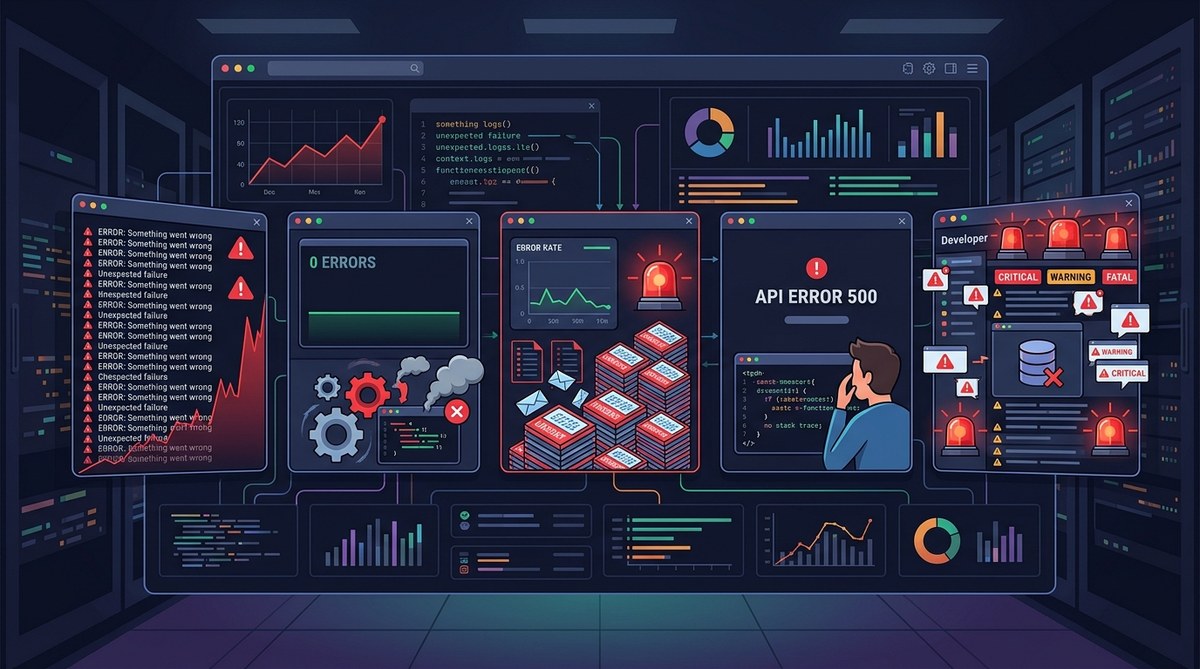
Your error logs are supposed to be your best friend during an outage. They should point you straight to the broken code. But what if they’re quietly leading you in the wrong direction? Many teams pour hours into chasing errors that don’t exist, while real problems stay hidden. The logging setup you trusted might actually be the reason you can’t find the bug. Let’s look at five signs that your error logging is giving you fake confidence, and how to turn it around.
Misleading error logs waste developer time and erode trust in your monitoring. This article covers five warning signs: relying on default framework logs, inconsistent error levels, missing context, ignoring warnings, and aggregation tools that hide patterns. For each sign you get practical fixes to restore honest, actionable logging.
Sign 1: You Only See What Your Framework Wants You to See
Most frameworks come with a default logger. That logger is designed to be safe, not thorough. It might suppress certain exceptions, or only log at a high level. If you haven’t configured your logging strategy from scratch, you’re likely missing critical errors.
Consider a Node.js Express app. The default error handler logs a stack trace, but it may not capture asynchronous rejections or unhandled promise rejections unless you explicitly add a listener. In 2026, many developers still deploy apps without attaching the unhandledRejection handler. The result? Errors that crash your process appear as silent gaps in the logs.
What to do about it: Audit your middleware and error handling chain. Look for places where an exception is swallowed (try/catch with no log). Replace generic catch-all handlers with granular logging that records the error object, route, request ID, and timestamp. A good rule: if you catch an error and don’t rethrow it, you must log it.
Sign 2: Error Levels Are a Free for All
| Intended Level | Common Misuse                          | Impact                 |
|----------------|----------------------------------------|------------------------|
| ERROR         | Used for minor 4xx client errors       | Noise drowns out real crashes |
| WARN          | Overused for expected behavior         | Warnings become invisible |
| INFO          | Skipped or used inconsistently          | Missing breadcrumbs     |
| DEBUG         | Never turned off in production          | Logs grow exponentially |
When everyone on your team uses error levels differently, the signal gets lost. You might have a developer who logs every validation failure as ERROR. Another labels all database timeouts as WARN because “it usually recovers.” Pretty soon your dashboard shows thousands of “errors” that are actually normal user input mistakes, while a real outage gets buried.
Establish a clear standard. For example:
– ERROR: The application cannot fulfill the request. User impact is certain. Immediate investigation needed.
– WARN: Something unexpected happened, but the request can still be completed. Worth reviewing later.
– INFO: Significant lifecycle events (startup, shutdown, feature toggle changes).
– DEBUG: Detailed variable dumps, only enabled during targeted debugging.
Document this standard and enforce it through code reviews or lint rules. Use a logging framework that discourages misuse by making level definitions explicit.
Sign 3: Your Logs Are Missing Crucial Context
A log line like ERROR: TypeError: Cannot read property 'x' of undefined tells you almost nothing. Where did it happen? What user? What request? What was the state of the system? Without context, you’re forced to guess.
Every log entry should carry:
– A unique request or trace ID (correlate across services)
– The exact route or function name
– Relevant parameters (sanitized of PII)
– Environment information (staging vs. production)
– The user or session identifier, if available
– A timestamp with timezone (not just UTC if your servers are spread)
Missing context is one of the fastest ways to make error logging misleading. You might see an error spike but have no way to link it to a deployment or a specific user segment.
Fix it: Add a structured logging library (like Pino or Structured Logging in Go). Configure middleware to inject context automatically. If you’re still using console.log, upgrade now. Also integrate with your observability platform to enrich logs with metrics and traces. For more on debugging hidden backend failures, check out Diagnosing and Fixing Hidden Backend Failures Before They Disrupt Users.
Sign 4: You Treat Warnings Like Noise
“A warning is an error that hasn’t happened yet.”
This piece of advice, repeated in many operations teams, highlights a dangerous blind spot. Developers often ignore warnings because they aren’t “fatal.” But warnings accumulate. They create clutter. They train your brain to scroll past yellow entries. Then one day a warning becomes an error, and you have no history to trace back.
If your logging dashboard shows more than a handful of warnings per thousand requests, you have a problem. Either your thresholds are too sensitive, or you’re ignoring real issues. Audit your warning conditions. For each recurring warning, ask: Does this indicate a potential error path? If yes, either fix it or upgrade it to ERROR. If no, suppress it entirely.
A clean warning list is a sign of a healthy system. Use alerts for warnings that cross a frequency threshold. For example, if a particular warning appears 50 times in five minutes, that’s an incident.
Sign 5: Your Aggregation Tool Is Hiding Patterns
Log aggregators like the ELK stack or Datadog are great at collecting logs. They’re also great at lumping similar errors together, often losing important distinctions. Two errors might have the same message but different root causes. The aggregator groups them, and you see one big block of “TypeError” with a count of 5000. You assume it’s one bug, but actually it’s five bugs sharing the same exception type.
How to fix aggregation blindness:
- Tag your errors with a hash of the stack trace plus the line number. This makes grouping more precise.
- Add custom attributes to every log entry (customer tier, feature flag, deployment version).
- Set up a separate “error fingerprint” index that retains raw error objects, not just the message.
- Create a dashboard that shows error count per fingerprint, sorted by first occurrence.
- Alert on new fingerprints appearing, not just total error volume. A single new fingerprint is often a fresh bug.
This approach ensures you catch regressions early, even when the error count is low. For more techniques on catching bugs early, see Mastering Code Review Best Practices to Catch Bugs Early.
A Cheat Sheet for Honest Logging
| Mistake | Fix |
|---|---|
| Default framework loggers | Customize handlers and add unhandled rejection listeners |
| Inconsistent error levels | Define strict level guidelines and enforce via linting |
| Missing request context | Use structured logging with auto-injected fields |
| Ignored warnings | Set frequency thresholds; escalate repeated warnings to errors |
| Aggregation hiding patterns | Use error fingerprints and tag with custom attributes |
Rebuild Trust in Your Logging System
Your error logging setup should give you confidence, not confusion. If any of these five signs feel familiar, pick one to fix this week. Start with context: add trace IDs and structured keys. The next week tackle error levels. Over a month, you’ll transform your logs from a messy pile of clues into a reliable investigation partner.
Trust your logs again. They’ll thank you when the next production fire starts.