 By theo
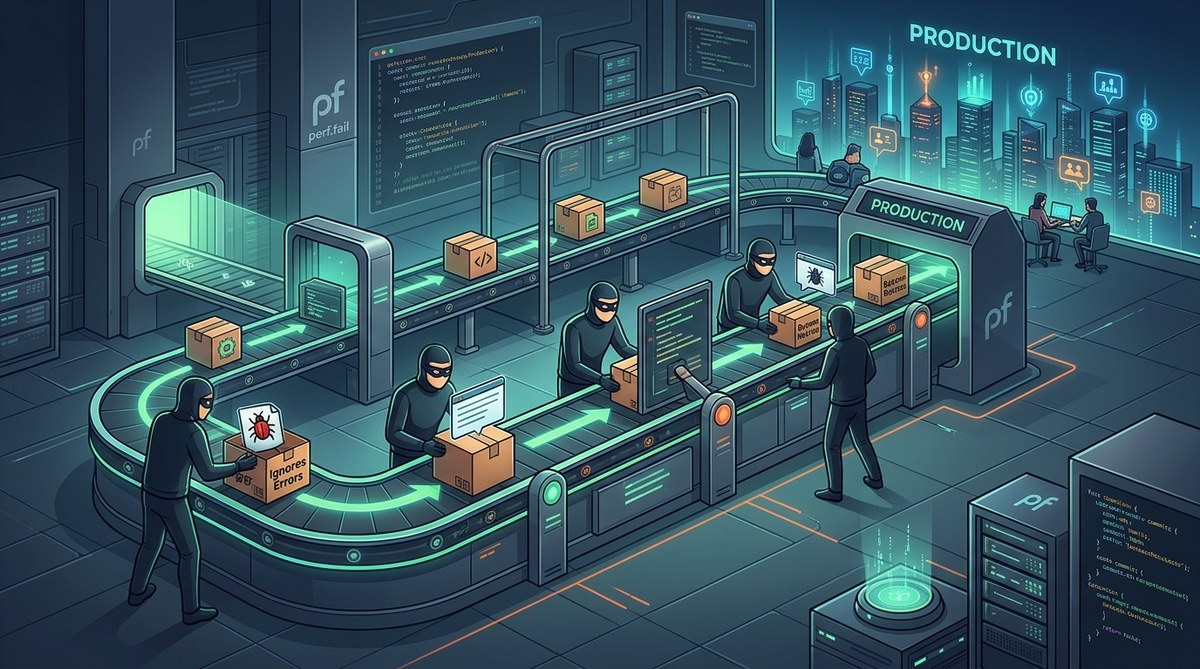
You write a try-catch block. You log the error. You move on. That feels like enough, right? Most engineers treat error handling as a checkbox item. But the truth is, your error handling pipeline is probably full of gaps. And those gaps are letting bugs slip straight into production. By the time you notice, users have already hit a corrupted state, a silent data loss, or a blank screen. The worst part? You never get alerted. The system looks healthy. The logs look normal. But something is quietly breaking underneath.
Your error handling pipeline has hidden failure modes that let bugs reach production without triggering alerts. Empty catch blocks, swallowed exceptions, misconfigured log levels, and untested error paths are the main culprits. Fixing these requires explicit testing of failure scenarios, structured logging with unique error IDs, and monitoring that catches silence as well as noise.
Why Your Error Handling Pipeline Is Leaking Bugs
Most teams build error handling reactively. A bug shows up in production. Someone adds a try-catch around the offending call. They log the error and maybe send it to a monitoring service. That feels like progress. But it often makes things worse.
The problem is that error handling code is rarely tested. You test the happy path. You test the edge cases in business logic. But when was the last time you wrote a unit test that verified your catch block actually re-throws correctly? Or a test that confirmed your fallback value didn’t mask a real failure?
When error handling itself is broken, it becomes a silent killer. Bugs escape because the safety net has holes. Let’s look at the five most common ways this happens.
1. The Empty Catch Block
This is the classic. You see it in legacy codebases all the time.
try {
  await processPayment(order);
} catch (error) {
  // TODO: handle this later
}
That // TODO never gets done. The catch block swallows the exception. The payment fails, but the user sees a success message. The order goes to fulfillment without payment. You lose money. You lose trust.
The fix is simple. Never leave a catch block empty. At minimum, log the error with enough context to reproduce it. Better yet, re-throw or escalate to a global error handler.
Here is a practical process for fixing empty catch blocks in your codebase:
- Search your entire repository for empty catch blocks. Use a regex like
catch\s*\(.*\)\s*\{\s*\}. - For each match, add a meaningful log statement that includes the error message, stack trace, and a correlation ID.
- If the catch block is intentionally empty (rare), add a comment explaining why and link to a ticket.
- Set up a linter rule that flags empty catch blocks as a warning or error.
- Review all new pull requests for empty catch blocks during code review.
2. Logging Without Context
Logging is not the same as handling. I see teams that log errors but strip out all the useful information. They log the error message but not the stack trace. They log the stack trace but not the request ID. They forget to include the user ID or the session data.
When you get an alert at 3 AM, you need to know exactly what happened. A log entry that says “Error processing payment” is useless. You have no way to trace it back to a specific transaction.
Here is a table that shows the difference between bad and good logging practices:
| Aspect | Bad Practice | Good Practice |
|---|---|---|
| Error message | Log only error.message |
Log full error object with stack trace |
| Correlation ID | None | Include request ID or trace ID |
| User context | Omitted | Include user ID and session ID |
| Timestamp | Server default | Use ISO 8601 with timezone |
| Severity | Always error |
Use appropriate level (warn, error, critical) |
| Structured format | Plain text string | JSON with defined schema |
A good rule of thumb is to log enough information so that a developer who has never seen this error before can reproduce it from the log alone. That means including the input parameters that triggered the failure.
3. Swallowing Exceptions in Async Code
Asynchronous error handling is where most modern pipelines break. In JavaScript, a rejected promise that has no .catch() handler will silently fail. In Python, an exception raised inside a coroutine that is not awaited will disappear. In Go, errors in goroutines can vanish if not handled explicitly.
The problem is that async errors often don’t bubble up to your global error handler. They get lost in the event loop. Your monitoring service never sees them. Your pager never goes off. But the user experiences a hang or a crash.
To fix this, you need to enforce that every async operation has an error handler. Use linters to catch unhandled promise rejections. In Node.js, register a global handler for process.on("unhandledRejection"). In Python, ensure all tasks are awaited and wrapped in try-catch.
For a deeper look at this specific issue, check out our guide on how to catch silent failures in your async/await code.
4. Misconfigured Log Levels
This one is subtle but dangerous. Your team sets up a logging framework. They use logger.info for normal operations and logger.error for failures. Then someone adds a new feature and uses logger.warn for a critical failure because they thought it was less alarming. Or they use logger.debug for something that should be an error.
The result is that your monitoring dashboard only shows error level logs. The critical warn messages are filtered out. You never see them. Meanwhile, the bug is in production.
Standardize your log levels. Define what each level means in your team’s documentation. Use a linter to enforce the correct level. For example, any log statement that includes the word “fail” or “exception” should be at least error level.
If you want to know which log level reveals most staging bugs, read our post on you’re ignoring the one log level that reveals 90% of staging bugs.
5. Untested Error Paths
The most common reason bugs escape is that error handling code is never tested. You have unit tests for the happy path. You have integration tests for the main flow. But the catch blocks, the fallback values, the retry logic, and the error recovery code are all untested.
When an error path is untested, it often contains its own bugs. A typo in a variable name. A missing import. A call to a function that no longer exists. These bugs only surface when the error path is triggered, which is usually in production.
Here is a bullet list of practical steps to test your error handling:
- Write unit tests that mock external services to throw exceptions.
- Test that your catch blocks log the correct information.
- Test that fallback values are returned only when appropriate.
- Test that errors are re-thrown or escalated correctly.
- Use chaos engineering tools to inject failures in staging.
- Add integration tests that simulate network timeouts and database failures.
For more on why unit tests pass but your app still crashes, see why your unit tests pass but your app still crashes in production.
How to Audit Your Own Pipeline
You do not need a full rewrite to fix these issues. Start with an audit of your current error handling pipeline. Here is a numbered process you can follow this week:
- Map out every entry point where your application handles errors. This includes API handlers, background jobs, message queue consumers, and scheduled tasks.
- For each entry point, trace the error path. What happens when the database is down? What happens when a third-party API returns a 500? What happens when memory is exhausted?
- Check your logging configuration. Are you logging at the right level? Are you including enough context?
- Review your monitoring dashboards. Do they alert on missing logs as well as error logs? Silence can be a sign of a broken pipeline.
- Run a chaos experiment in staging. Kill a database connection. Simulate a slow network. See if your error handling catches it and alerts correctly.
A good resource for understanding how errors can mislead you is why your error messages are lying to you and how to read between the lines.
Common Mistakes That Make Error Handlers Useless
Even well-intentioned error handlers can be useless if they fall into common traps. Here is a table of mistakes and their fixes:
| Mistake | Why It Fails | Fix |
|---|---|---|
| Using generic catch-all | Masks all errors, including programming bugs | Catch specific exception types first |
| Logging without structured format | Impossible to search or aggregate | Use JSON logs with a schema |
| Not including stack trace | Cannot trace the source | Log the full error object |
| Swallowing in middleware | Error never reaches monitoring | Re-throw or call next(error) |
| Silent fallback values | Hides failure from user and operator | Log and return a clear error response |
For a comprehensive list of mistakes, read 7 common mistakes that make your error handlers useless.
Building a Resilient Error Handling Pipeline
A resilient pipeline does not just catch errors. It surfaces them in a way that helps you fix them. Here are the principles to follow:
- Fail loud in development. In your local environment, let errors crash the process. Do not swallow anything. This forces you to handle them early.
- Fail gracefully in production. In production, catch errors at the boundary and return a safe response. But always log and alert.
- Use structured logging. Every log entry should be a JSON object with a defined schema. Include a unique ID for every request.
- Monitor for silence. If your application stops logging errors, that could mean the logging pipeline itself is broken. Set up a heartbeat that checks that logs are still flowing.
- Test error paths. Treat error handling code as first-class code. Write tests for it. Review it in code review.
If you are dealing with errors that only appear in production, check out why your production errors don’t show up in local development.
The Cost of Ignoring Silent Killers
Every time a bug escapes to production because of a broken error handler, you pay a cost. You pay in debugging time. You pay in lost revenue. You pay in user trust. And you pay in the mental energy of your on-call engineers who have to piece together what happened from incomplete logs.
The fix is not hard. It just requires discipline. Audit your pipeline. Test your error paths. Log with context. And never, ever leave a catch block empty.
The most expensive bug is the one you never see. If your error handling is silent, your bugs will be too.
Taking Action on Your Error Handling Pipeline
Start small. Pick one service or one endpoint. Audit its error handling using the process above. Fix the empty catch blocks. Add context to the logs. Write a test for the error path. Then move to the next one.
Over a few weeks, you will close the gaps that let bugs escape. Your monitoring will become more reliable. Your on-call rotations will become calmer. And your production system will be more resilient.
For more strategies on debugging and error handling, see our guide on common JavaScript debugging tricks every developer should know. And if you are dealing with backend failures, troubleshooting common backend server failures to improve uptime is a great next step.
Your error handling pipeline is only as strong as its weakest link. Find the weak links. Fix them. And stop letting bugs escape to production.